


Starting a smart home is simpler than you think. First, you’ll need a strong Wi-Fi network as your foundation, then pick a platform that fits your life, whether that’s Google Home, Amazon Alexa, or Apple HomeKit. From there, setting up your first device takes just a few app-guided steps. When problems pop up, most have straightforward fixes. Stick with us, and we’ll walk you through everything you need to know.
What Every Smart Home Beginner Actually Needs First
Before buying a single smart bulb or voice assistant, we need to make sure the foundation is solid — and that starts with your home’s Wi-Fi network. A weak or inconsistent signal will sabotage even the best essential devices before they get a chance to shine. Beginner tips always circle back to this: reliable internet coverage throughout your home isn’t optional — it’s everything.
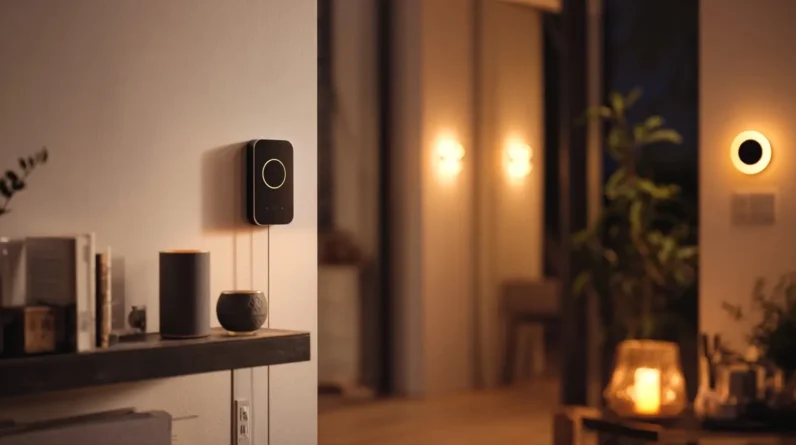
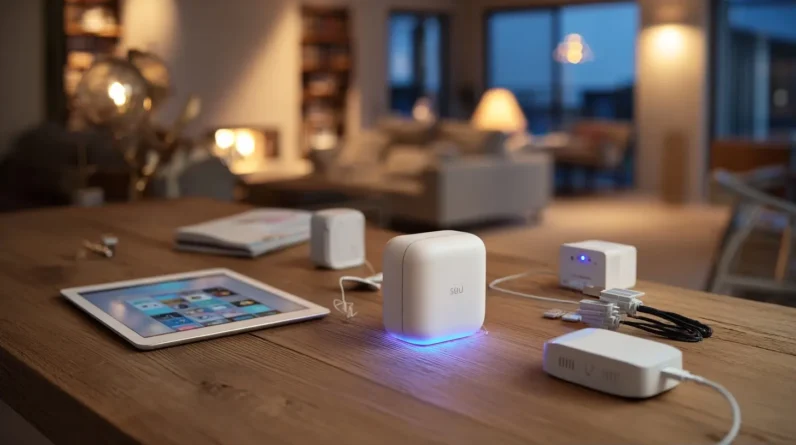
Next, you’ll want a dedicated hub or a compatible smart speaker to act as your system’s control center. Without one, your devices work in isolation instead of together. Think of it as your home’s nervous system. Get this infrastructure right first, and every device you add afterward will connect, respond, and perform exactly the way you’re hoping it will.
Pick the Right Smart Home Platform for Your Life
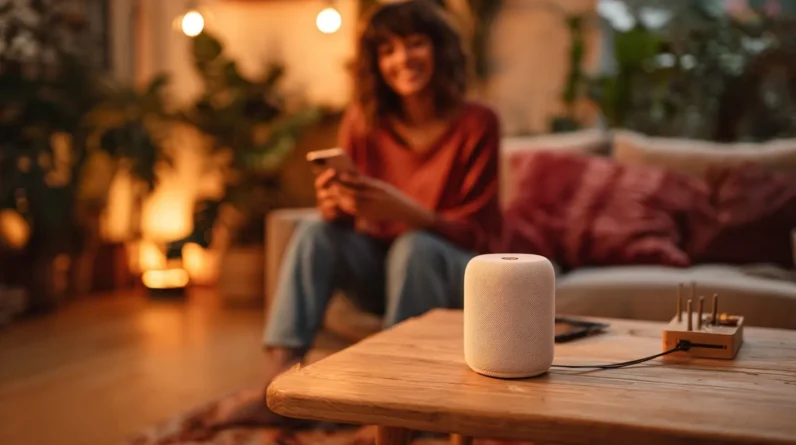
Once the Wi-Fi and hub are sorted, we need to choose a platform that ties everything together — and this decision shapes every purchase we’ll make going forward. The three main contenders are Google Home, Amazon Alexa, and Apple HomeKit. A platform comparison reveals real differences: Google excels at search-based routines, Alexa supports the widest device range, and HomeKit prioritizes privacy with tight Apple ecosystem integration. User preferences matter here — if we’re already iPhone users, HomeKit feels natural. Android households often gravitate toward Google. Alexa suits those who want maximum device compatibility. We shouldn’t chase what’s popular; we should chase what fits our actual habits, devices, and daily routines. Getting this right early prevents costly re-purchases later.
How to Set Up Your First Smart Device Step by Step
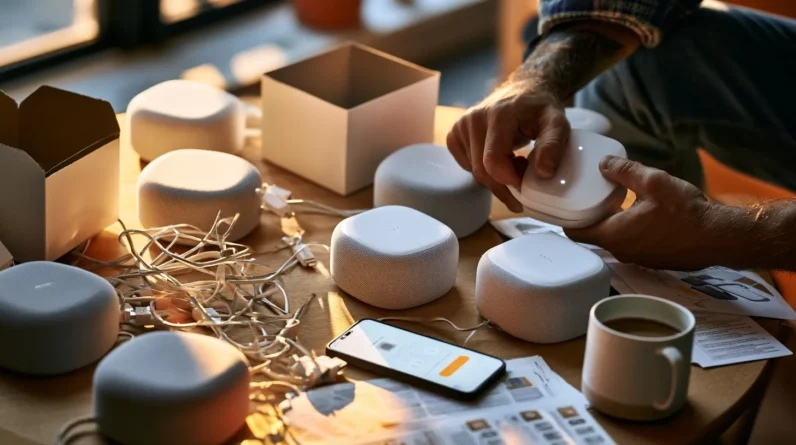
Setting up our first smart device comes down to five straightforward steps, and getting them right means everything runs smoothly from day one. First, confirm smart device compatibility between your new gadget and your chosen platform. Second, download the manufacturer’s app — most feature user friendly interfaces that walk you through everything visually. Third, connect the device to power and follow the in-app pairing instructions. Fourth, link it to your home network using the app’s guided setup. Fifth, test the device by triggering it manually before automating anything.
Don’t rush the compatibility check — it’s the step people skip and later regret. When the interface feels confusing, restart the pairing process fresh. Most hiccups disappear with one clean attempt done patiently.
The Most Common Setup Problems (and How to Fix Them)
Even with the best preparation, three problems trip up most people during smart device setup: weak Wi-Fi signal near the device, an outdated app version, and skipped firmware updates. Here’s how we fix them fast:
- Network connectivity issues and wireless interference fixes — Move your router closer, or use a Wi-Fi extender. Neighboring devices cause interference, so switch your router to a less crowded channel.
- Troubleshooting app errors and firmware update problems — Update your app first, then let the device complete its firmware update before touching anything else.
- Device compatibility concerns and voice assistant setups — Confirm your device supports your ecosystem (Alexa, Google, Apple). Mismatched platforms cause most failed voice assistant setups.
Tackle these three, and you’ll clear most obstacles immediately.
Smart Home Upgrades Worth Adding Once You’re Comfortable
With the frustrating setup hurdles behind us, it’s time for the fun part. Once you’re comfortable with the basics, consider expanding into smart lighting for customizable ambiance and energy efficiency. Security cameras add peace of mind, while smart thermostats learn your schedule and cut heating costs automatically. If you haven’t explored voice assistants yet, they tie everything together beautifully. Smart plugs transform ordinary appliances into connected devices overnight. Ready to go further? Entertainment systems with home automation capabilities create genuinely impressive experiences. The key is prioritizing device compatibility — choose products that speak the same language as your existing setup. Look for user-friendly interfaces that don’t require technical expertise. Each upgrade you add builds your confidence and makes the next one feel effortless.
Frequently Asked Questions
Can Smart Home Devices Still Work During a Power Outage?
Most smart devices won’t work during a power outage, but we can prepare for smart device limitations by investing in battery backup systems. They’ll keep our essential devices running when the grid goes down.
Are Smart Home Devices Safe for Young Children and Toddlers?
Yes, they can be! We’ll want to prioritize child safety by enabling parental controls, setting usage limits, and activating emergency alerts. We should also address privacy concerns through regular device monitoring to keep our little ones protected.
Will Smart Devices Significantly Increase My Monthly Electricity Bill?
Smart devices use just 1–2% of your home’s total energy consumption. We’re actually looking at cost savings here — smart thermostats and lighting can cut your bill by up to 15% monthly!
Can Renters Install Smart Home Devices Without Landlord Permission?
We recommend checking your lease first—renter rights vary by location. Most plug-in smart devices don’t require permission, but permanent installations might. Always confirm device compatibility and avoid modifications that could affect your security deposit.
Do Smart Home Devices Continue Working if the Company Shuts Down?
When Revolv’s hub died in 2016, users lost everything overnight. Some devices survive shutdowns, but don’t count on it — device longevity varies. We recommend local-control options and researching support options before buying.
Conclusion
We’ve covered everything you need to turn your home into a smart one—without needing a computer science degree. Think of your smart home like a garden: you start with just a few seeds, give them time to grow, and slowly build something beautiful at your own pace. Don’t rush it. Add one device, get comfortable, then expand. You’ve got this, and we’re right here cheering you on every step of the way.