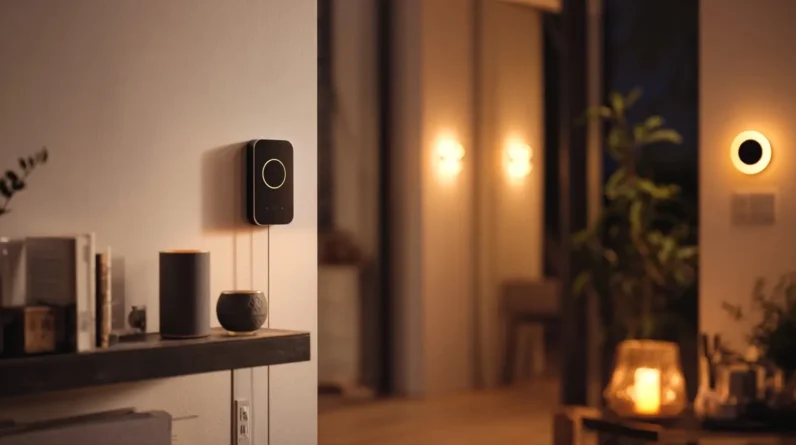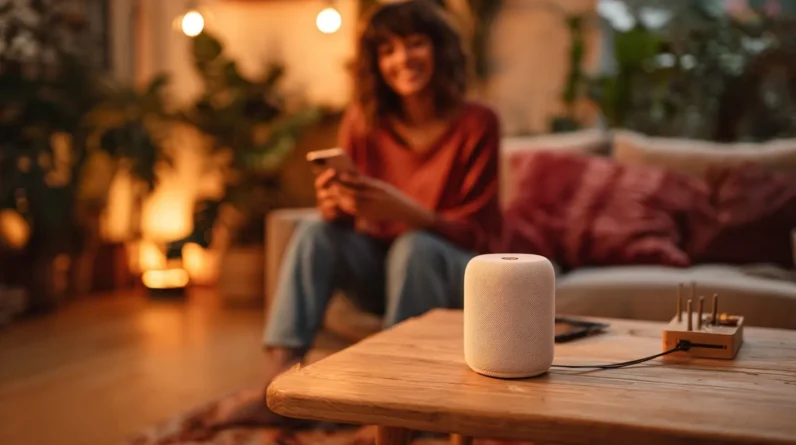




Setting up a smart home device feels scary because we’re unfamiliar with the technology, worried about breaking something expensive, or convinced we’ll create some kind of security disaster. Knowledge gaps make us second-guess every decision, and instructions that assume prior expertise don’t help. But here’s the truth — once we actually open the box, we find minimal components and a guided app that walks us through everything. Stick around, and we’ll show you exactly how straightforward it really is.
The Real Reasons Smart Home Setup Feels So Intimidating
Many of us feel a knot in our stomachs when we unbox a new smart home device and stare at a tangle of cables, apps, and setup guides written in what seems like a foreign language. The real fear factors aren’t about the devices themselves — they’re about what we don’t yet know. Technology anxiety creeps in when we imagine breaking something expensive or creating a security vulnerability. Knowledge gaps make us second-guess every decision, from choosing the right hub to configuring network settings. Installation hurdles feel monumental when instructions assume expertise we haven’t built yet. But here’s what’s worth remembering: these feelings are completely normal, incredibly common, and — most importantly — entirely conquerable once we comprehend exactly what’s standing between us and a smarter home.
What’s Actually Inside the Box (It’s Less Than You Think)
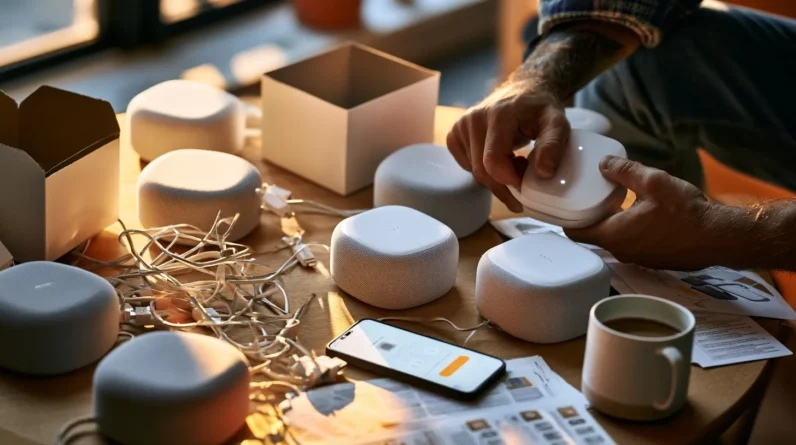
Most smart home devices come with surprisingly few device components — and once we actually lay everything out on the table, the setup process starts looking far less intimidating. User manuals are typically brief, and the hardware itself is minimal.
| Component | Purpose |
|---|---|
| Main device unit | Core functionality hub |
| Power adapter/cable | Supplies consistent power |
| Mounting hardware | Secures device in place |
| Quick-start guide | Walks us through activation |
That’s genuinely it for most devices. We’re not dealing with complicated wiring or technical expertise — just a handful of pieces designed to connect quickly. Manufacturers intentionally streamline packaging because they want setup to succeed. Once we recognize how simple the physical components actually are, our confidence grows immediately.
The Step-by-Step Reality of a First-Time Smart Home Setup
Once we’ve unpacked everything and identified each component, the actual setup process moves faster than we might expect. Most manufacturers design their user interface to guide us step by step, so there’s rarely any guesswork involved. We download the companion app, create an account, and follow the on-screen prompts.
Device compatibility is the one area worth checking beforehand — confirming our router frequency and smartphone operating system align with the device’s requirements prevents frustration before it starts. Once confirmed, we’re typically connecting to Wi-Fi and completing configuration within minutes.
The process feels intuitive because it’s built to be. Engineers spend enormous effort simplifying these workflows precisely for first-time users. What looked complicated in the box becomes surprisingly straightforward the moment we actually begin.
Common Beginner Mistakes and How to Sidestep Them
Even seasoned tech enthusiasts trip over a few predictable pitfalls when setting up smart home devices for the first time, and knowing them in advance saves us real headaches. Setup anxiety convinces us we’ll break something—we won’t. Overthinking features before we’ve used the basics derails momentum fast. Let’s spot these traps and dodge them decisively.
| Common Mistake | Smart Fix |
|---|---|
| Device compatibility issues ignored | Check ecosystem requirements before purchasing |
| User interface concerns cause paralysis | Explore menus freely; nothing resets without confirmation |
| Overthinking features before basics | Master core functions first, then expand |
| Setup anxiety delaying the start | Begin with one device; confidence builds quickly |
Recognizing these patterns transforms frustration into forward motion. We’re not troubleshooting blindly—we’re executing a smarter plan.
Why Most People Wish They’d Started Sooner
Why do so many people who’ve set up their first smart home device say the same thing—”I wish I’d done this sooner”? Because overcoming fears reveals something surprising: the setup is simpler than expected, and the instant benefits hit immediately. You’re controlling lights, saving energy, and streamlining routines within minutes. That friction you imagined? It rarely materializes.
Once you’re on the other side, the hesitation feels almost absurd. You’ll wonder why you spent months overthinking it. The convenience compounds daily—every automated routine, every hands-free command reinforces your decision. Smart home technology doesn’t just make life easier; it makes you sharper about solving problems efficiently.
Don’t let fear steal months of genuine value. Your future self will thank you for starting today.
Frequently Asked Questions
Can Smart Home Devices Still Work During an Internet Outage?
Yes, some smart home devices support offline functionality, letting you maintain local control even without internet access! We’d recommend checking your device’s specs, as this feature varies — but it’s a game-changer for reliability.
Are Smart Home Devices Compatible With Older Homes Without Modern Wiring?
Yes, we can absolutely integrate smart technology into older homes! Legacy home adaptations like wireless Z-Wave devices and battery-powered sensors let us bypass outdated wiring entirely, making smart upgrades surprisingly achievable without expensive electrical renovations.
Do Smart Home Devices Collect and Sell Your Personal Data to Companies?
Some devices do collect data, but we’ve got user consent and data privacy controls to protect us! We can review privacy settings, limit data sharing, and choose brands that prioritize transparency over selling our information.
Can Multiple Family Members Control the Same Smart Home Device Simultaneously?
Yes, we can all control the same device simultaneously! Most smart home platforms offer shared access with customizable user permissions, letting our whole family manage devices independently — it’s an empowering feature we’ll all love using together!
What Happens to Your Smart Devices When the Manufacturer Goes Out of Business?
When a manufacturer closes, we risk losing cloud support, reducing device reliability. Don’t panic though! We can explore manufacturer alternatives like open-source platforms (Home Assistant) that’ll keep our smart devices running smoothly and independently.
Conclusion
We get it—smart home technology can feel like uncharted territory. But here’s something worth sitting with: nearly 70% of smart home users say setup was far easier than they expected. That means most of the fear lives entirely in our heads before we ever open the box. Once you take that first step, you’ll wonder why you waited so long. Your smarter, simpler home is closer than you think.