


We get it—that blinking light and error-filled app can make anyone want to toss the whole box. The secret is tackling things in order: pick one ecosystem (HomeKit, Google, or Alexa), prep your Wi-Fi first, then add devices one at a time instead of all at once. Most headaches come from skipping these basics. Stick around, and we’ll walk you through each step so nothing gets left blinking.
Pick the Right Smart Home Ecosystem Before You Buy
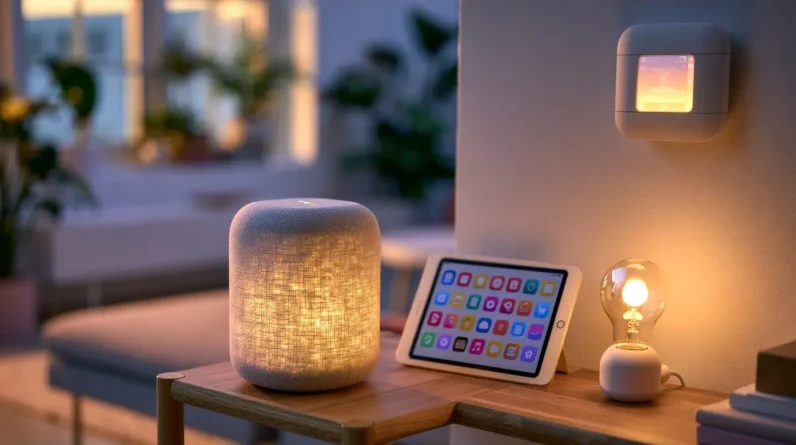
Why does one smart bulb work perfectly while another refuses to connect? The answer usually comes down to ecosystem compatibility. Before we buy anything, we need to pick our platform: Apple HomeKit, Google Home, or Amazon Alexa. This single decision determines which devices we can add without frustration later.
We recommend checking what we already own. Do we have iPhones scattered around the house? HomeKit makes sense. Android users typically find Google Home more intuitive. Once we’ve chosen, we stick with it.
The user interface matters just as much as compatibility. We want an app that feels clear, not cluttered with confusing menus. A clean interface saves us time every single day we use our devices.
Get Your Wi-Fi Ready for Smart Devices
Two things trip up most smart home setups before they even start: a weak signal and a crowded network. Before we add a single bulb or plug, let’s fix the foundation:
- Router placement: Move it to a central, open spot. Walls and closets choke Wi-Fi bandwidth fast.
- Device compatibility: Confirm your gadgets support your router’s frequency (2.4GHz vs. 5GHz)—mismatches cause dropped connections.
- Security protocols: Turn on WPA3 if it’s available. It keeps your network reliability solid and outsiders out.
Once that’s sorted, check for firmware updates on your router. Manufacturers patch bugs and boost performance regularly, and skipping this step leaves easy problems on the table. A few minutes here saves hours of frustration later.
Set Up Each Smart Device Step by Step
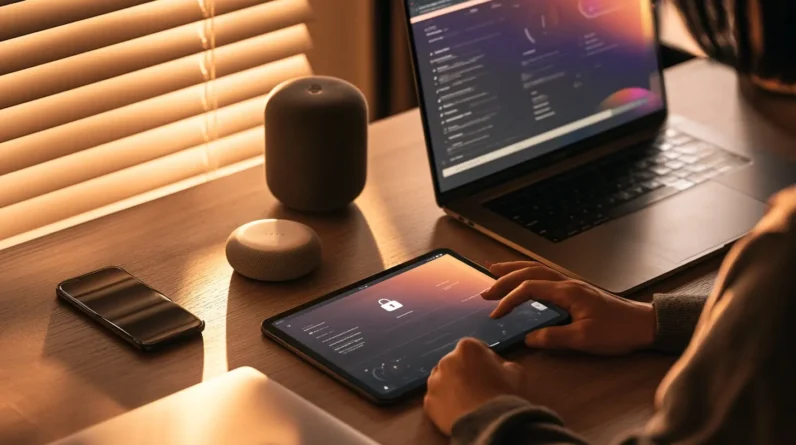
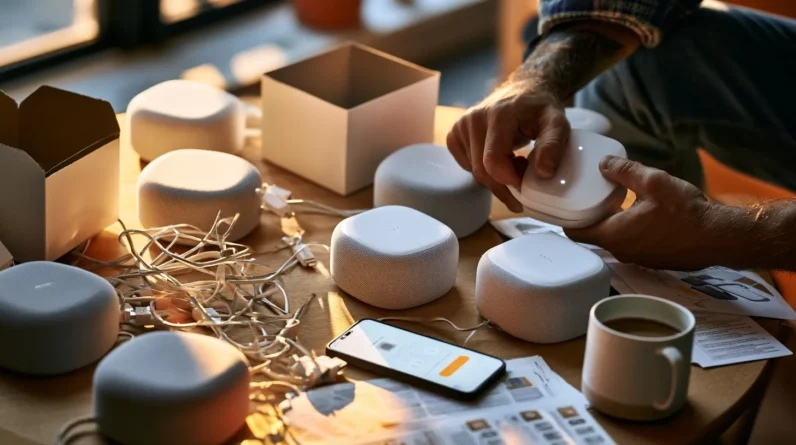
Once your network’s ready, we can start adding devices one at a time—resist the urge to unbox everything at once. Check device compatibility with your router and hub before you begin; this saves us from troubleshooting mismatched systems later. Download the setup apps first, since most devices walk us through pairing right from our phones. Confirm power requirements next—some devices need constant power, while others run on batteries. Follow the app’s prompts to connect each device, then test voice controls if your device supports them. Keep user manuals handy for reset instructions or advanced settings we might need later. Finally, address security concerns immediately: change default passwords and enable two-factor authentication where it’s offered. One device at a time keeps setup manageable and secure.
Fix Common Smart Device Connection Problems
Even after careful setup, devices sometimes drop offline or refuse to connect, and that’s completely normal. Most issues trace back to a handful of culprits we can quickly isolate and fix.
- Connectivity gremlins: Bluetooth issues, network interference, and compatibility conflicts often stem from router congestion or overlapping signals. Restart your router, move devices closer, and check for compatibility conflicts between older and newer gear.
- Software hiccups: App glitches and outdated firmware updates cause more disconnects than hardware ever does. Update both regularly.
- Physical factors: Device placement and power requirements matter more than we think—keep devices away from thick walls and metal, and guarantee stable power.
Don’t overlook security threats either; weak passwords invite instability disguised as connection trouble. Address these systematically, and you’ll master your smart home fast.
Make All Your Smart Devices Work Together
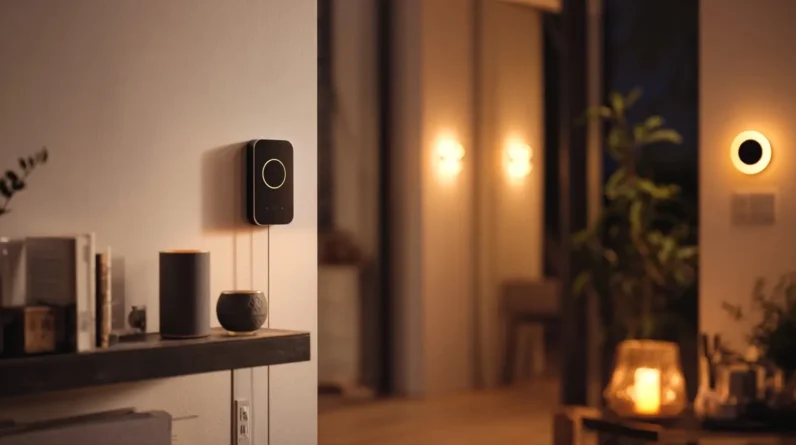
After you’ve got each gadget online individually, the real magic happens when they start talking to each other. We recommend checking device compatibility before building routines—mixing brands can cause headaches if protocols don’t align. Once everything speaks the same language, we can layer in automation strategies: lights that respond to your thermostat, locks that sync with your cameras.
Pick one app as your primary user interface to avoid juggling five different dashboards. When something misbehaves, our troubleshooting tips start simple: reboot the hub, check firmware, isolate the problem device.
We can’t skip security measures either—unique passwords and two-factor authentication protect your whole ecosystem. Finally, smart schedules boost energy efficiency, cutting waste without sacrificing convenience. That’s when your home finally feels effortless.
Frequently Asked Questions
What Happens to My Smart Devices During a Power Outage?
Your devices simply power down and wait. Once power restoration happens, we’ve found most reconnect automatically, though we recommend checking device settings afterward to confirm everything’s synced correctly and your automations still trigger as expected.
Can I Control Smart Devices When I’m Away From Home?
Yes, we can! Remote access lets you check and control devices from anywhere using your phone. We’ll set up app notifications too, so you’re instantly alerted to any changes, keeping you confidently in charge.
How Do I Give Guests Temporary Access to My Smart Devices?
Say your sister’s visiting for a weekend—we’d create guest permissions through your app, setting temporary access that auto-expires after her stay. No fumbling with codes later; we’re locking things down automatically, so you stay in control effortlessly.
Are Smart Home Devices Safe From Hackers Spying on Me?
No device is 100% hacker-proof, but we can minimize risk. We choose devices with strong encryption standards, update firmware regularly, and patch known smart device vulnerabilities quickly. Stay proactive, and you’ll keep your home considerably safer.
What Should I Do Before Selling or Giving Away a Smart Device?
Think of your device as a house you’re moving out of—we don’t leave belongings behind. We factory reset it, ensuring complete data deletion, then wipe accounts and paired connections. That way, we’re handing over an empty house, not our secrets.
Conclusion
We’ll admit it: our first smart bulb took three tries and one very confused cat before it connected. That’s normal. Smart homes aren’t built in an afternoon—they’re built one device, one router tweak, one “aha” moment at a time. Think of it like planting a garden instead of assembling furniture. Give it time, follow the steps, and soon you won’t be fighting your devices—you’ll just be living with them, lights dimming right on cue.