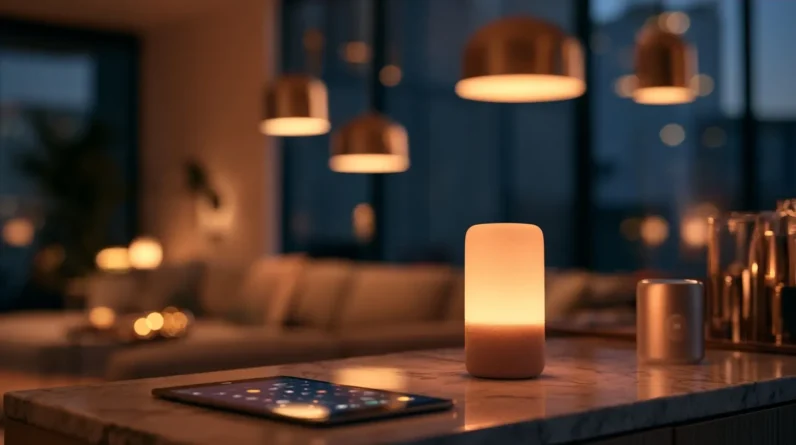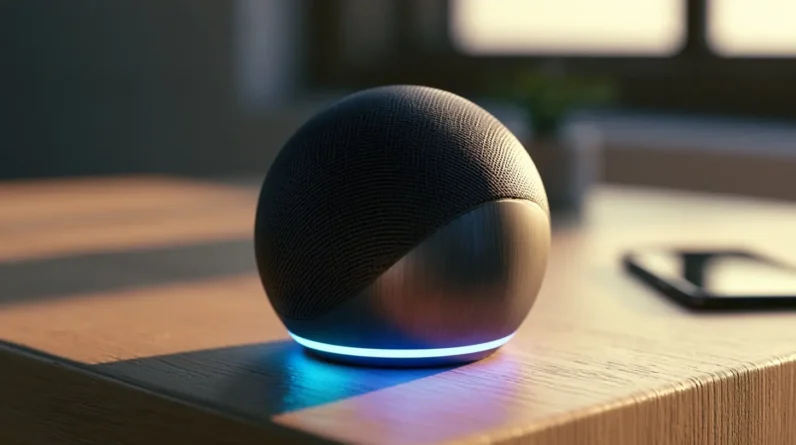




Smart home features don’t just add convenience—they transform your house into a responsive, interconnected ecosystem. We’re talking smart lighting that adjusts to your mood, voice-controlled appliances, automated blinds, and energy monitors that cut phantom loads before they drain your wallet. These upgrades communicate with each other to anticipate your needs rather than simply react to them. Stick with us, and we’ll break down exactly which devices, rooms, and ecosystems make the biggest difference.
Smart Home Features Worth Buying Right Now
With so many smart home gadgets flooding the market, it’s tough to know which ones actually deliver value versus which ones collect dust after the first week. We’ve tested the options, and these are worth your investment.
Smart lighting transforms ambiance instantly while slashing energy costs. Pair it with voice control through Alexa or Google Home, and you’re managing your entire environment hands-free. Energy monitoring devices give us real-time consumption data, exposing the phantom loads quietly draining your wallet. Automated blinds round out the essentials — they regulate natural light, reduce HVAC strain, and operate on schedules you define.
These four upgrades work seamlessly together, creating an interconnected ecosystem rather than isolated gadgets. Start here, and you’ll immediately feel the difference between a house and a genuinely responsive home.
Which Rooms Benefit Most From Smart Upgrades?
Not every room offers the same return on smart investment, so let’s focus where the upgrades genuinely move the needle. Kitchen automation transforms meal prep through voice-controlled appliances, smart displays, and connected ovens that preheat remotely. Living room entertainment reaches its peak with unified control over lighting scenes, streaming devices, and immersive audio systems. Bathroom lighting upgrades deliver surprisingly powerful returns — circadian-tuned LEDs reduce morning grogginess while occupancy sensors eliminate wasted energy. Bedroom comfort improvements through smart thermostats, automated blackout shades, and sleep-tracking integrations directly impact rest quality and daily performance. These four rooms share a common thread: high daily interaction frequency. Prioritizing them maximizes how often smart technology actively improves your life rather than simply existing as an expensive novelty.
How Much Does a Smart Home Actually Cost?
Costs vary dramatically depending on how deep you’re willing to go, but a realistic entry-level smart home setup — covering a hub, a few smart bulbs, a thermostat, and a video doorbell — typically runs between $300 and $600. That’s your initial investment for meaningful functionality without overspending. Mid-tier builds with smart locks, sensors, and security cameras push $1,500–$3,000. Professional installation costs add another $200–$500 depending on complexity. Maintenance expenses remain low — mostly firmware updates and occasional device replacements. Price comparisons across brands like Google, Amazon, and Apple reveal meaningful gaps, so research pays off. Affordable options from Wyze, Kasa, and Eufy deliver solid performance at lower price points. Long-term savings on energy bills often offset upfront spending within two to three years.
The Best Smart Home Ecosystems Compared
Choosing the right smart home ecosystem shapes every device decision you’ll make going forward, so it’s worth understanding how the big three — Amazon Alexa, Google Home, and Apple HomeKit — actually stack up against each other.
Here’s what separates them:
- Amazon Alexa dominates device compatibility and SmartThings integration, making it ideal for mixed-brand setups with robust automation routines.
- Google Assistant excels in contextual voice control and energy monitoring insights, leveraging superior AI for a sharper user experience.
- Apple HomeKit prioritizes privacy and seamless ecosystem cohesion, though it trails in broader smart home trends adoption.
We recommend evaluating which platform aligns with your existing devices before committing — switching ecosystems later is costly, both financially and technically.
Smart Home Security Features That Really Work
Once you’ve locked in your ecosystem, it’s time to put it to work where it matters most — keeping your home secure. Smart cameras with AI detection eliminate false alerts, while doorbell technology identifies visitors before you answer. Automated locks grant or revoke access remotely, and safety sensors detect smoke, CO, and water intrusion instantly. Alert systems push real-time notifications directly through monitoring apps, so you’re never caught off guard. Security alarms integrate seamlessly with your hub, triggering coordinated responses across every connected device. Remote access lets you arm, disarm, and review footage from anywhere. These aren’t gimmicks — they’re layered, interconnected defenses that actually respond to real threats, turning your home into a genuinely intelligent security system.
Frequently Asked Questions
Can Smart Home Devices Still Work During an Internet Outage?
Yes, many smart home devices support local control, letting them run without an internet connection. We recommend choosing devices with strong offline functionality so your setup stays reliable when your connection drops.
Are Smart Home Devices Safe for Children and Pets?
We have you taken care of! Yes, most smart home devices are safe when you follow safety guidelines. Look for pet friendly options designed with rounded edges, secure mounting, and non-toxic materials to protect your littlest family members.
How Do I Troubleshoot a Smart Home Device That Stops Responding?
When your smart home device stops responding, we recommend starting with basic reset methods: power cycle the device, then check for connectivity issues by verifying your Wi-Fi signal strength and router settings before diving deeper.
Can Renters Install Smart Home Features Without Landlord Permission?
With 36% of U.S. households renting, we recommend checking your lease first. Most renter upgrades, like temporary installations such as plug-in smart speakers or adhesive-mount devices, don’t require landlord permission since they leave no permanent changes.
Do Smart Home Devices Significantly Increase Monthly Electricity Bills?
Smart home devices don’t notably raise your electricity bills — they’re built around energy efficiency. We’re talking real cost savings through automated lighting, smart thermostats, and optimized energy use that often reduces what we’re paying monthly.
Conclusion
We’ve officially reached the part where we tell you that transforming your home into a smart one is “totally simple” — just pick an ecosystem, budget thousands of dollars, rewire your thinking, and casually become a part-time IT professional. But honestly? The convenience genuinely pays off. Once we’ve automated our lights, secured our doors, and told our thermostats what to do, we’ll wonder how we ever survived manually flipping a light switch like absolute animals.